Get the MONEI Pay app for easy payments on the go



- Products
E-commerce payments
In-person payments
- Integrations
- Businesses we Serve
- Resources
- Pricing
- Dashboard
Products
E-commerce payments›
In-person payments›
Omnichannel payments›
Payments security›
Other features›
Integrations
Payment methods›
E-commerce platforms›
Businesses we Serve
Resources
Pricing
Get a simple, hardware free POS system
Tired of expensive card terminals, short battery life, patchy connectivity, and never having enough devices for your staff? Skip the bulky hardware and accept in-person payments straight from your phone or tablet with MONEI's mobile POS app.
Compatible with





One app. Three ways to get paid.
Tap to Pay on iPhone
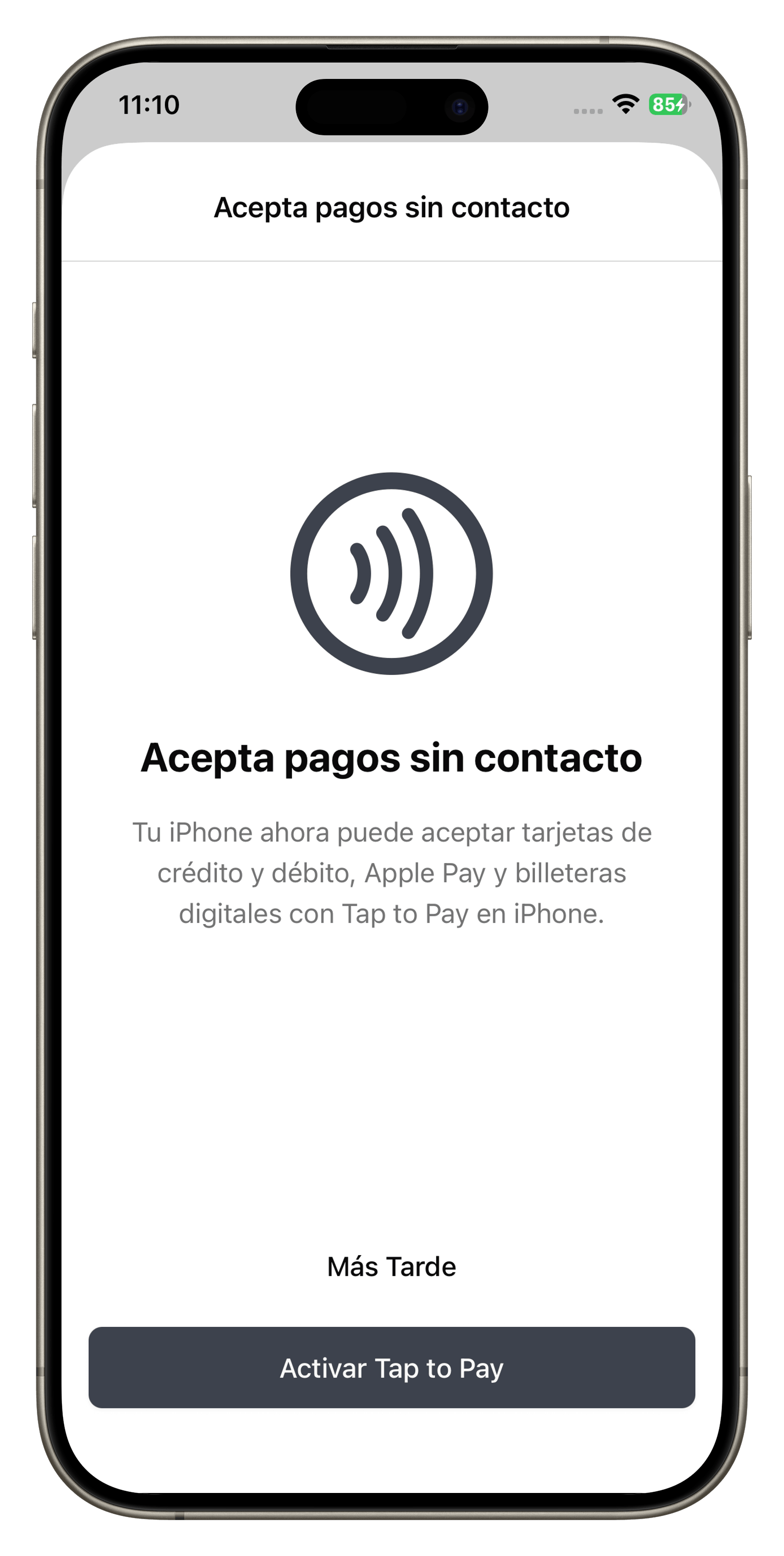
Turn any iPhone XS or newer into a contactless terminal. Customers tap their card, Apple Pay, or another NFC wallet directly on your iPhone--no readers, no adaptors, no extra hardware.
Tap to Phone on Android
Accept contactless cards and digital wallet payments by tapping the customer's card or phone against your Android device using the MONEI POS app.
QR code payments
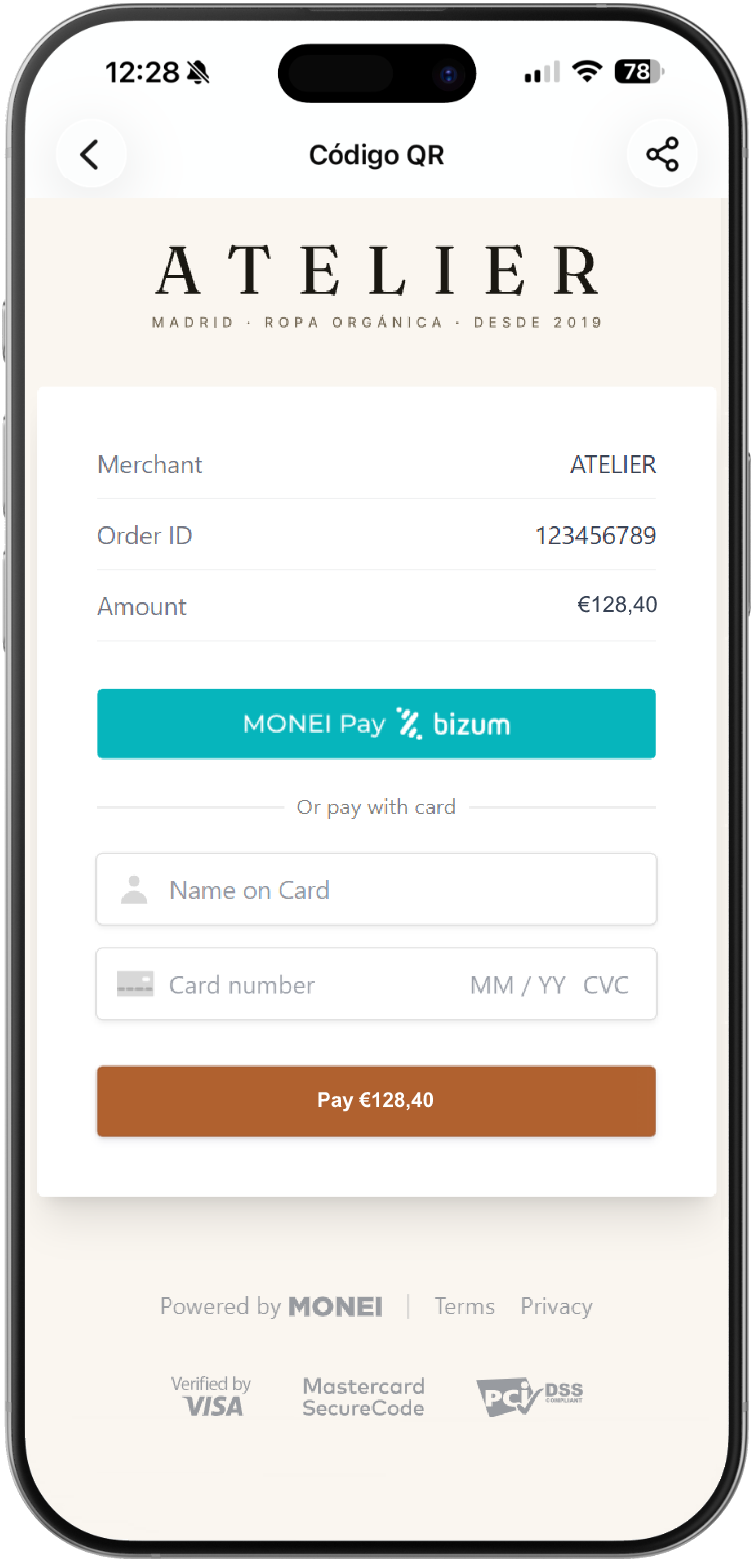
Open the app, enter the amount, and show a QR code. Customers can scan to pay with cards, Apple Pay, Google Pay, Bizum, or PayPal—no app download on their end.
Payment requests
Enter the amount, tap Send payment request, and type your customer's mobile number or email address. If the number is registered with Bizum, they get a push notification to confirm directly in their banking app.
Save time and money by accepting payments from any mobile device
Eliminate traditional POS hardware costs and save counter space, with MONEI's simple, secure, and affordable mobile POS app. Reduce costs by up to 50% compared to traditional providers, with no monthly hardware rental and only per-transaction fees.
Boost sales with more payment methods
Stop losing customers because you don't offer their preferred payment options. Accept the methods consumers already use: credit and debit cards, Apple Pay, Google Pay, PayPal, and Bizum (Spain).
Improve customer experience by taking payments anywhere
Whether you have a retail store, restaurant, or process payments on the go, MONEI's mobile payment app lets you and your staff provide the best possible customer experience by meeting shoppers where they are.
👇 Download the app.
How does the MONEI POS app work?
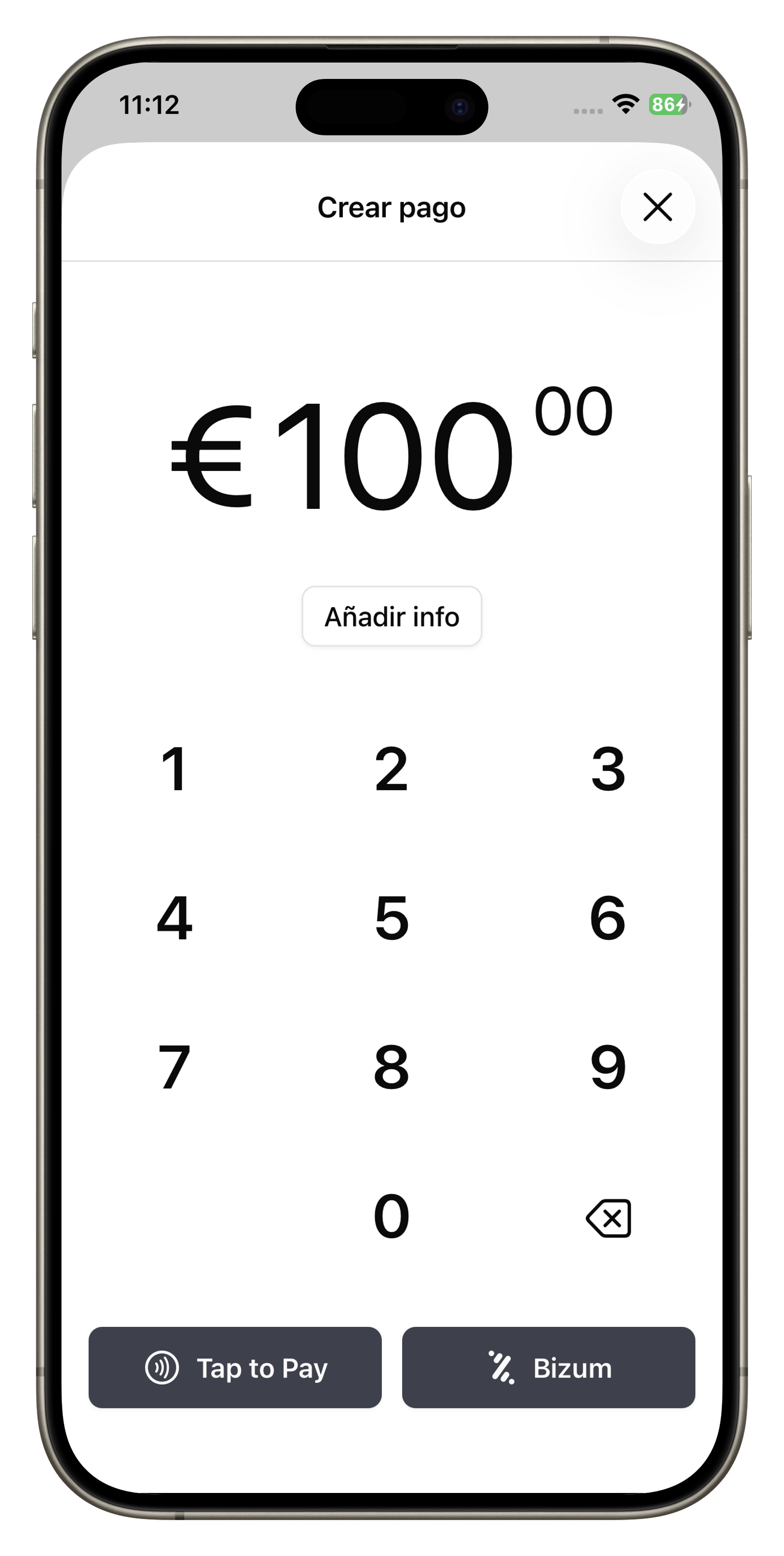
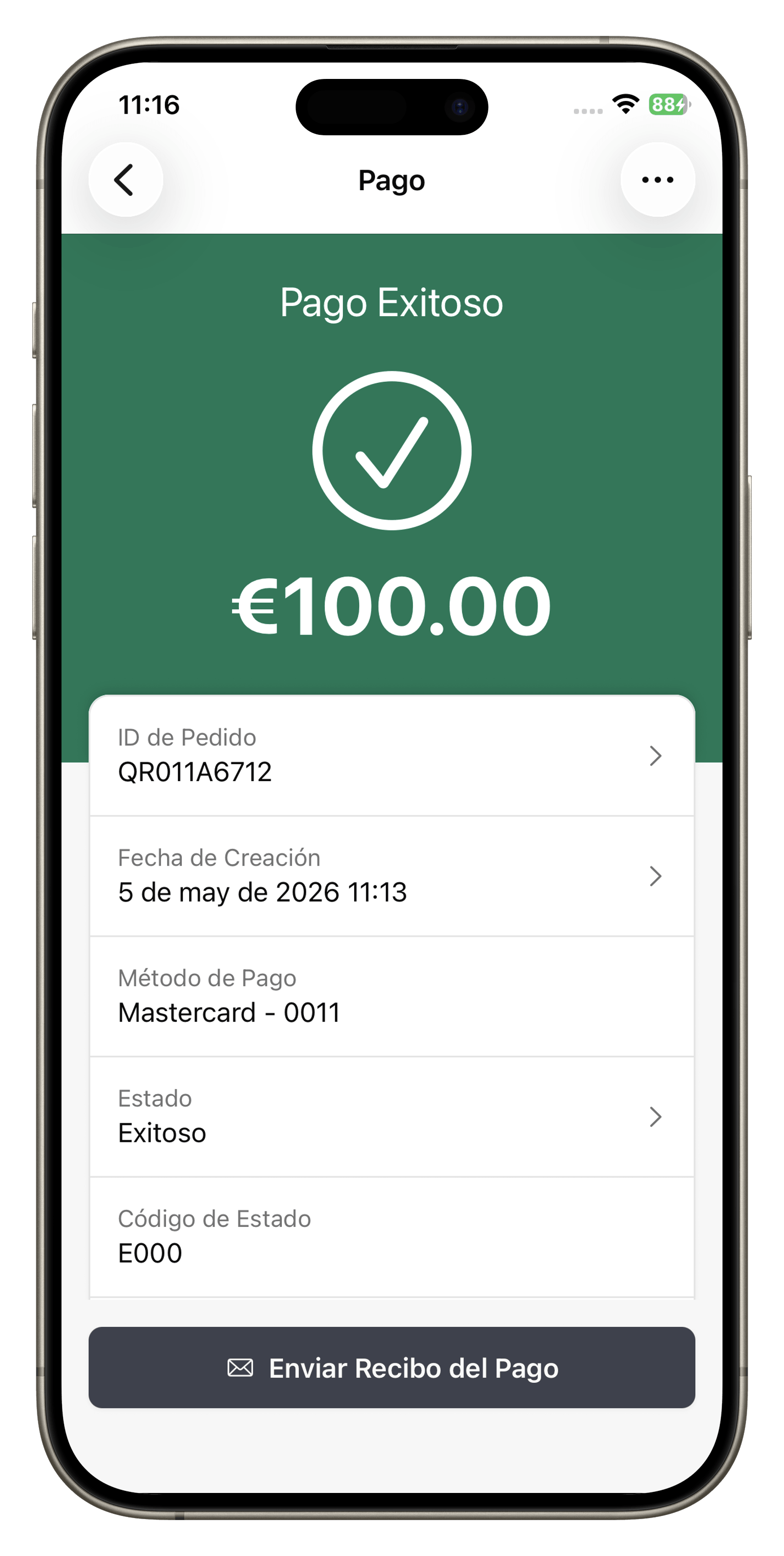
Open your MONEI's POS app, select “contactless payment”, and enter the purchase amount. Then your customer taps their physical chip card or digital wallet or scans a QR code to complete their purchase.
MONEI POS App vs. Traditional POS Systems
Same outcome—your customer pays, you get the money—but very different setup, cost, and flexibility. Here's how the two approaches compare side by side.
| Feature | MONEI POS App | Traditional POS |
|---|---|---|
| Hardware | None. Use a mobile or tablet you already have. | A dedicated terminal at each checkout. |
| Fixed costs | No hardware rental or maintenance fees. | Monthly rental and/or maintenance fees. |
| Mobility | Charge at any point in your store, restaurant, or wherever you are. | Limited to where the terminal is plugged in. |
| Payment methods | Cards, Apple Pay, Google Pay, PayPal, Bizum, plus contactless payments with Tap to Phone on Android. | Cards and contactless; usually without Bizum, PayPal, or account-to-account payment options. |
| Activation time | Online signup in minutes: no shipping or on-site installation. | Hardware order, shipping, and physical installation. |
| Multiple devices | Add the app to all the mobiles and tablets your team needs, at no additional hardware cost. | One device per terminal, and each has an extra cost. |
| Analytics | Real-time dashboard with transaction data, reports, and reconciliation. | Often limited to a printed daily summary. |
Incapto experiences a 66% uplift in coffee cup orders by switching to MONEI
Read the success story
Video by Incapto
What types of businesses use MONEI's mobile POS app?
E-commerce & brick-and-mortar shops
Whether you occasionally take your online business offline, run a boutique, or operate multiple locations, speed up your retail checkout, improve the customer experience, and track omnichannel sales—all from a phone or tablet.
Food & hospitality
Mobile payments for restaurants give you more flexibility than a fixed terminal. Take payments at the table, at the bar, at an event, or at a food truck stop.
Service providers & mobile businesses
From legal billing to freelance web designers to artists, MONEI's POS app is the most flexible card-present setup for all types of service providers in Spain.
Taxis
Accepting card payments in taxis is now required in most Spanish cities. Replace your old dataphone and save time and money by using your smartphone as a taxi POS.
Hair and beauty salons
Make payments more convenient and affordable at your hair or beauty salon with MONEI's mobile POS app.
Dental practices
Collect dental co-pays, treatment fees, and follow-up payments without tying up your front desk's only card terminal.
Ready to accept payments from your phone or tablet?
Setting up your MONEI account is simple. Create an account, then download the MONEI POS app for Android or iOS on as many devices as your staff needs to start taking payments by Tap to Pay on iPhone, Tap to Phone on Android, QR code, or payment request.
What MONEI merchants are saying
 Rating


Felipe Martin
A week ago
The best online payment aggregate out there

Juan M
A week ago
Super intuitive and easy to use

Beautify Box
A week ago
We have integrated Monei as our secure payment gateway, in a simple, fast and completely secure way. It also offers us payment methods such as Bizum, which increases the conversion of payments and gives options to all customers. The commissions with respect to others are lower and also the customer service in Spain is very efficient. Thank you

OrtoPrime España
Two weeks ago
100% recommended. An optimal payment gateway that quickly adapts to the changes and improvements required in electronic commerce. We are very happy to work with the MONEI team!

Biel Tenias Tenas
A month ago
We use it every day to collect from our firm's clients and I can only recommend it to everyone. VERY LOW commissions and the next day you have the money deposited in your checking account. 10/10.

Mar Sánchez Orduna
A month ago
I give this application a 10 for my online store since thanks to it my clients can pay with bizum and other means of card payment, increasing my conversion rate. It is very simple and intuitive and anyone can connect their ecommerce to Money. They also have a super responsive support that answers all your questions. Highly recommended.

Catherin Barajas guerrero
Two months ago
I use MONEI for my business and so far it works great. It is easy to integrate and the customer service is very good. I recommend it

Andres Varela
Three months ago
Highly recommended

David Hart Socias
Four months ago
Very good service. Our users asked us to pay for bizum and since we implemented it, the conversion rate of the web has increased!

Lluis Cufi
Four months ago
I've been using MONEI apps and MONEI Payments Platform for many years and I have only good words for them. The service is absolutely perfect, great customer service and very reasonable prices. I totally recommend it!